Want to grow your Instagram profile? Get more Instagram followers!
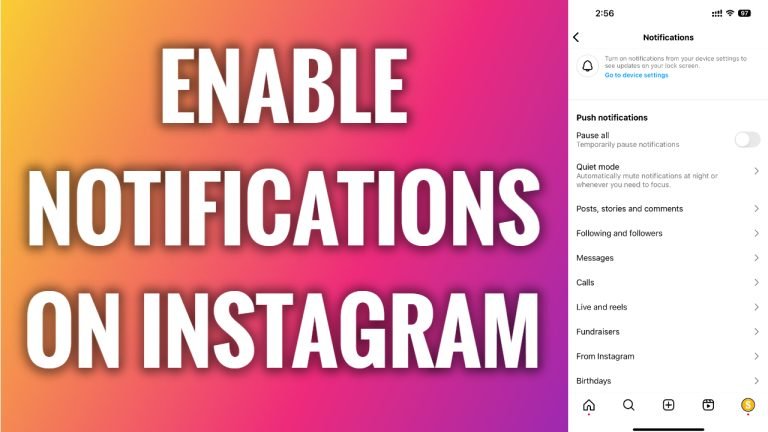
In this article I will show you how to enable notifications on Instagram.
Instagram notifications can be very disturbing if you get them too frequently and perhaps that’s why you have disabled them earlier. On the other hand, you probably don’t want to miss any important notifications too.
Just follow these steps:
- Open Instagram app and login to your Instagram profile.
- Tap on the menu icon at the top right corner of your screen.
- Go to “Settings and privacy”.
- Proceed to “Notifications” section.
- Now switch the toggle off next to “Pause all” and you will enable Instagram notifications back on.
I hope this guide was helpful and you were able to enable notifications on Instagram.
Want to grow your Instagram profile? Get more Instagram followers!
