Want to grow your Facebook profile? Get more Facebook followers!
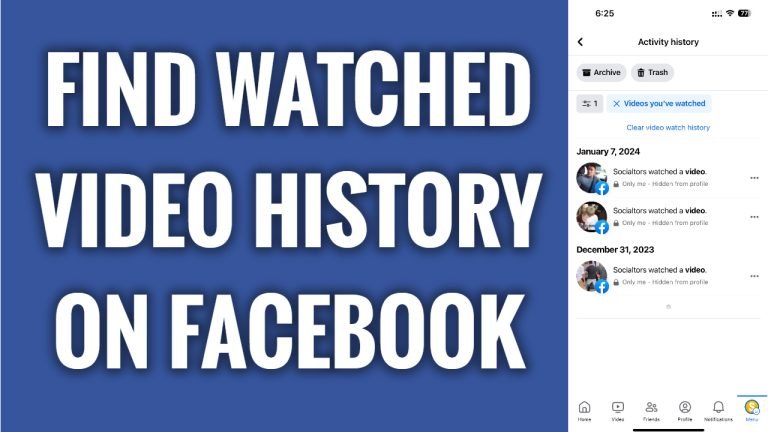
In this article I will show you how to find watched video history on Facebook App.
Did you know that Facebook collects all of your browsing history and you can easily view the watched video history on Facebook app?
Just follow these steps:
- Open up Facebook app and login to your account.
- Tap on the menu icon at the bottom right corner of your screen.
- Now tap on the “Gear” icon at the top right.
- Scroll down and tap on “Activity log”.
- Swipe on the filters at the top and tap on “Video watched”.
- In this page you will see all Facebook videos that you have watched. If you want to remove your watched video history, then just tap on “Clear video watch history” at the top. That’s it.
I hope this guide was helpful and you were able to find watched video history on Facebook.
Want to grow your Facebook profile? Get more Facebook followers!
