Want to grow your Instagram profile? Get more Instagram followers!
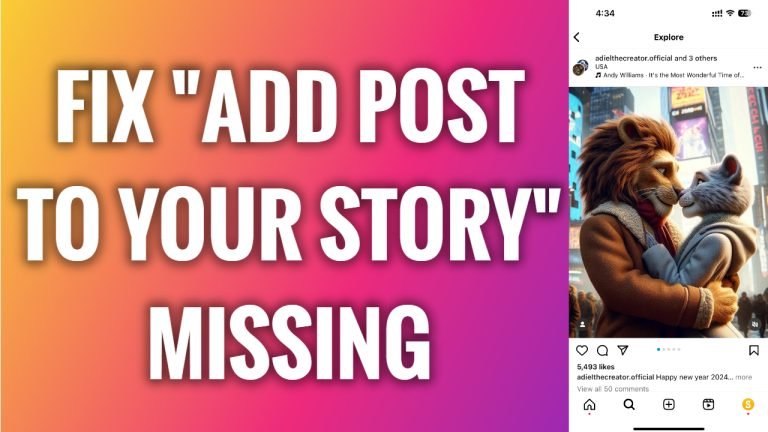
In this article I will show you how to fix “Add post to your story” missing & not showing up problem on Instagram.
I know that many people have this problem when they try to share an Instagram post but they don’t see an option to “Add to story”. Luckily, this can be fixed fast and easy.
Just follow these steps:
- First of all, go to the App store and make sure that you have the latest version of Instagram app. Just search for Instagram app and if you see that update is available for this app, then update it. As you can see it says “Open” for me so that means I have the latest version of Instagram app.
- Now go to your phone’s “Settings”.
- Now proceed to “General” section.
- Tap on “iPhone storage”.
- Scroll down and tap on “Instagram” app.
- Tap on “Offload app”.
- Select “Offload app” one more time again.
- Now open up Instagram App, login to your account and you should now see the “Add post to your story” feature. That’s how it’s done!
I hope this guide was helpful and you were able to fix add post to your story missing & not showing up problem on Instagram.
Want to grow your Instagram profile? Get more Instagram followers!
