Want to grow your Instagram profile? Get more Instagram followers!
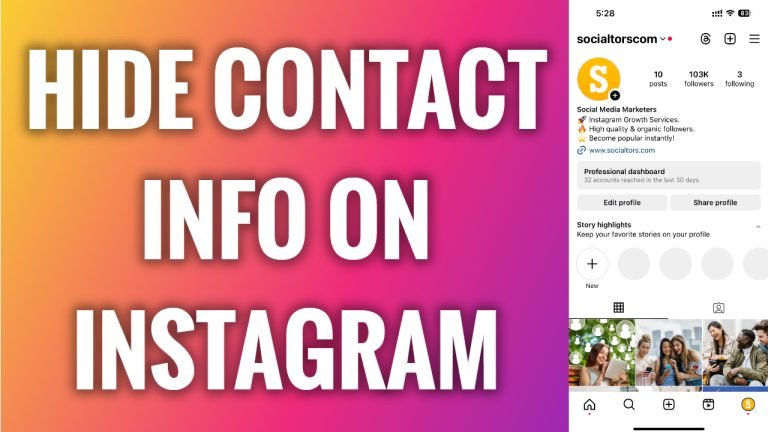
In this article I will show you how to hide contact information on Instagram.
In order to add, display or edit your contact information you must have a creator or business Instagram account. Luckily, you can easily hide this information if you don’t want to display it publicly on Instagram.
Follow these steps:
- Open Instagram app and login to your Instagram profile.
- Tap on “Edit profile” button.
- Now tap on “Profile display” section.
- Now simply switch the toggle off next to “Display contact info” and you will hide your contact information from Instagram.
That’s how it’s done!
I hope this guide was helpful and you were able to hide contact information on Instagram.
Want to grow your Instagram profile? Get more Instagram followers!
