Want to grow your Facebook profile? Get more Facebook followers!
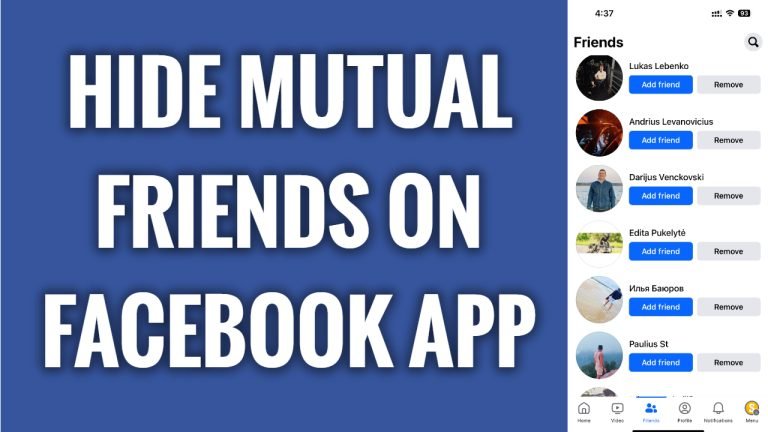
In this article I will show you how to hide mutual friends on Facebook App.
Don’t want other people to see your mutual friends list? You can easily hide it.
Just follow these steps:
- Open Facebook app and login to your Facebook profile.
- Click on the menu icon at the bottom right corner of your screen.
- Tap on the “Gear” icon at the top right corner.
- Scroll down and tap on “Activity log”.
- Swipe to the left and tap on “Added friends” category.
- Here you will see all of your added friends.
- Just tap on “Trash” and this will remove your added friend activity history and subsequently remove these users from your mutual friends list.
I hope this guide was helpful and you were able to hide mutual friends on Facebook app.
Want to grow your Facebook profile? Get more Facebook followers!
