Want to grow your Instagram profile? Get more Instagram followers!
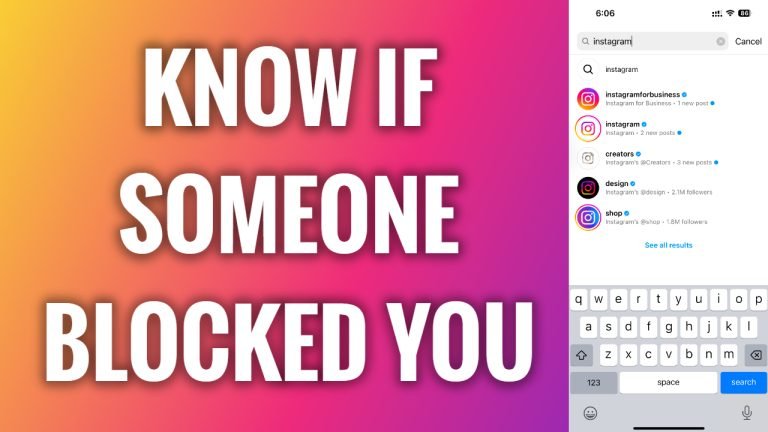
In this article I will show you how to know if someone blocked you on Instagram.
Instagram doesn’t automatically notify you if someone has blocked you. However, if you suspect that someone has blocked you, you can easily check that.
Follow these steps:
- Open Instagram app and login to your Instagram profile.
- Go to the Search section and start typing the name of a person you think has blocked you.
- If the user whose name you have typed in the search box doesn’t show up, then most likely you have been blocked by this person. However, what you must keep in mind is that if this person deactivates his Instagram account, it will also not show up in the search. In this case, just to make sure – ask your friend to look up that account in the search too and if he is able to find that user, it means that you have been blocked.
That’s how it’s done!
I hope this guide was helpful and you were able to know if someone blocked you on Instagram.
Want to grow your Instagram profile? Get more Instagram followers!
