Want to grow your Instagram profile? Get more Instagram followers!
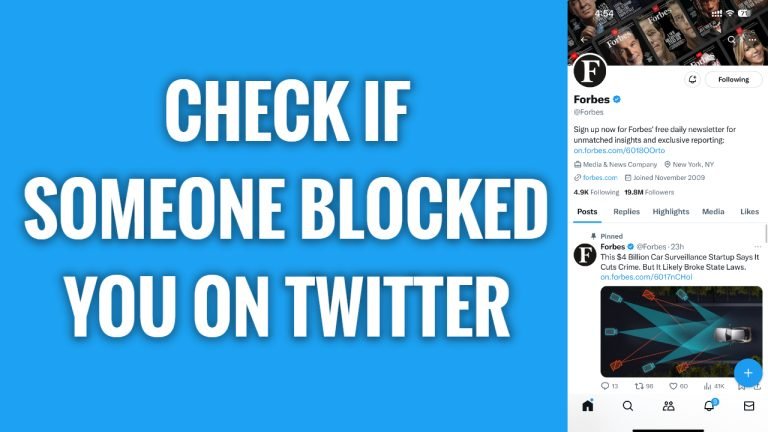
In this article I will show you how to know if someone has blocked you on Twitter.
Twitter does not notify you if someone blocks your Twitter profile. However, there is a way to find out is someone has blocked you.
Follow these steps:
- Open Twitter app and login to your Twitter profile.
- Click on “Search” icon at the bottom of your screen.
- Now search for Twitter user whom you think has blocked you.
- Open up his profile.
- If you can see his tweets, it means that you haven’t been blocked by him. However, if you don’t see any tweets or other content of this user, it means that you have been blocked by him. What’s more, if you are blocked then you should see a message on his profile stating “You are blocked from following and viewing this user’s Tweets”.
That’s how it’s done!
I hope this guide was helpful and you were able to know if someone has blocked you on Twitter.
Want to grow your Instagram profile? Get more Instagram followers!
