Want to grow your Instagram profile? Get more Instagram followers!
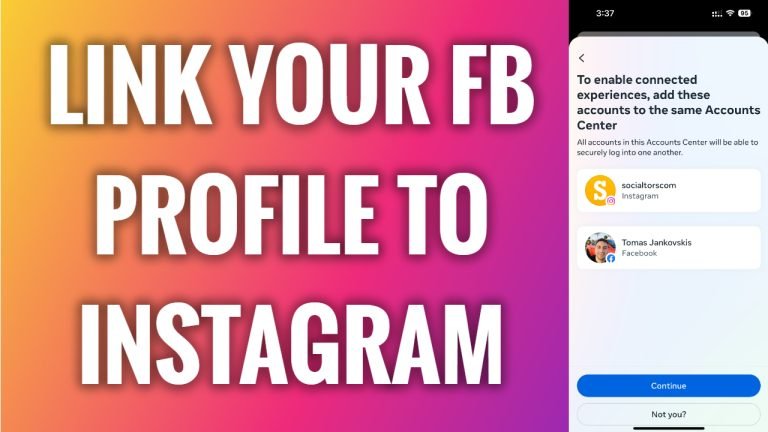
In this article I will show you how to link your Facebook profile to Instagram.
Would you like to share the same posts between Facebook and Instagram? You can easily do it by linking your Facebook and Instagram profiles.
Follow these steps:
- Open Instagram app and login to your Instagram profile.
- Tap on the “Menu” icon at the top right corner of your screen.
- Select “Settings and privacy”.
- Go to “Accounts center”.
- Tap on “Connected experiences”.
- Select “Sharing across profiles”.
- Tap on “Add accounts”.
- Select “Add Facebook account”.
- Tap on “Continue” below and your Facebook profiles will be linked to Instagram.
That’s how it’s done!
I hope this guide was helpful and you were able to link your Facebook profile to Instagram.
Want to grow your Instagram profile? Get more Instagram followers!
