Want to grow your Instagram profile? Get more Instagram followers!
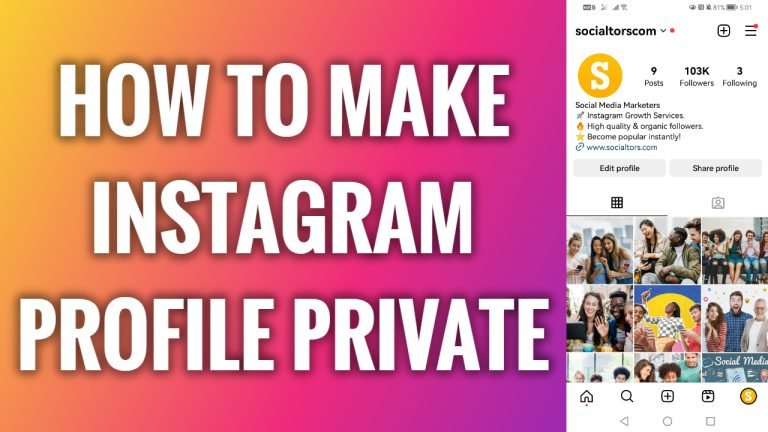
If you value your privacy and don’t want unknown people to view your Instagram posts, you can simply switch your profile to private so that only approved followers could see your content.
- Open up Instagram App on your phone.
- Click on the menu icon at the top right corner.
- Go to “Settings and privacy”.
- Now scroll down and tap on “Account privacy”
- Switch the toggle on next to “Private account” and your profile will be switched to private. Done.
I hope this guide was helpful and you were able to make your Instagram profile private.
Want to grow your Instagram profile? Get more Instagram followers!
