Want to grow your Instagram profile? Get more Instagram followers!
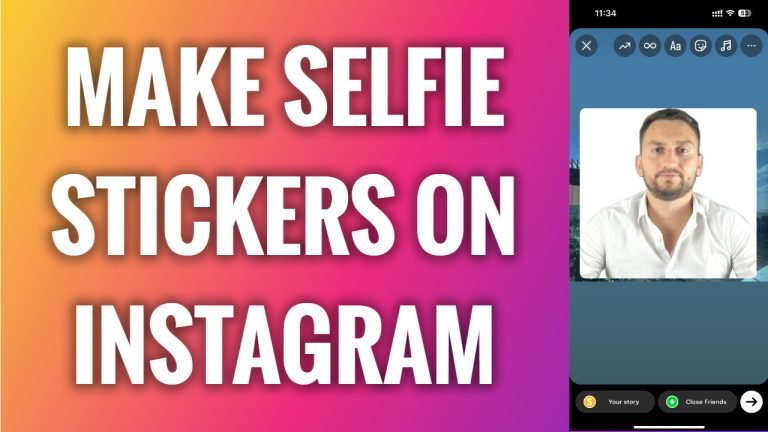
In this article I will show you how to make selfie stickers on Instagram.
Would you like to create a selfie sticker on Instagram app? You can easily do it.
Just follow these steps:
- Open Instagram app and login to your Instagram profile.
- Tap on the “Plus” icon at the top right corner of your screen.
- Select “Story”.
- Take a picture or select any picture from your gallery.
- Now tap on the “Stickers” icon at the top.
- Scroll down and tap on this camera sticker.
- Now you will be able to add your selfie photo as a sticker to this story. You will also be able to resize it and move it anywhere in your story.
- Now just proceed by publishing your story as usual.
That’s how it’s done!
I hope this guide was helpful and you were able to make selfie stickers on Instagram.
Want to grow your Instagram profile? Get more Instagram followers!
