Want to grow your Facebook profile? Get more Facebook followers!
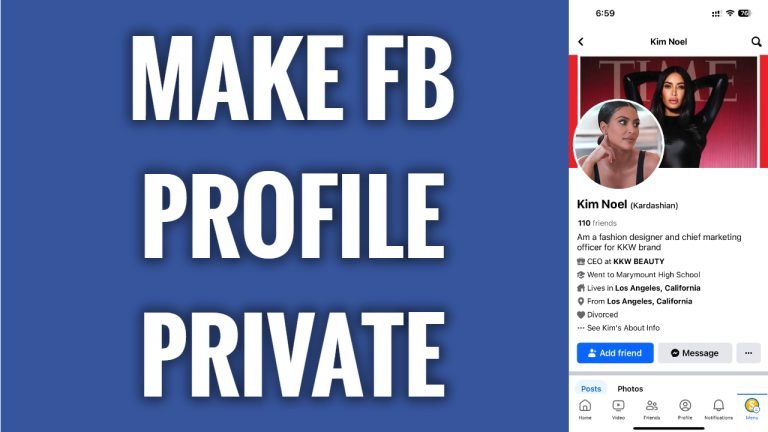
In this article I will show you how to make your Facebook profile private.
Unfortunately, you cannot make your Facebook profile private just by a click of a button as on Instagram, however, you can tweak your privacy settings so that only your friends could see your content.
Just follow these steps:
- Open up Facebook app and login to your Facebook profile.
- Click on the menu icon at the bottom right corner of your screen.
- Tap on the “Gear” icon at the top right corner.
- Tap on “Privacy checkup”.
- Select “Who can see what you share”.
- Tap on “Continue”.
- Scroll down to the bottom of this page, under the “Friends and Following” tab, select who can see your friends list on your profile. Choose “Only me” or “Friends”. Select who can see the people, pages and lists you follow, choose from “Only me” or “Friends”.
- Afterwards, click on “Next”.
- Choose who can see your future posts on Facebook. To do this just set your “Default audience” to “Friends” so that only your friends could see your posts.
- Also, limit past posts so that your posts that were published earlier would be seen only by your friends and not available to public. Click on “Limit” and confirm it by clicking on “Limit” one more time again.
- Tap on “Next” and tap on “Next” one more time again. Done! Now your Facebook profile is private.
I hope this guide was helpful and you were able to make your Facebook profile private.
Want to grow your Facebook profile? Get more Facebook followers!
