Want to grow your Facebook profile? Get more Facebook followers!
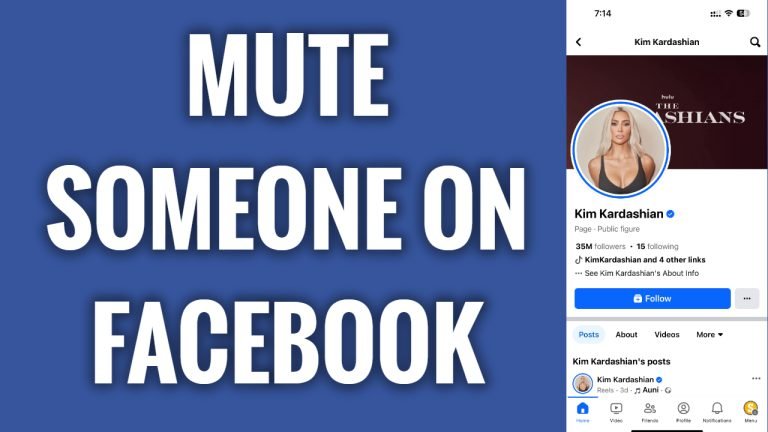
In this article I will show you how to mute someone on Facebook.
Do you find someone on Facebook disturbing and don’t want to hear from him again? You can easily mute him so you wouldn’t hear from him again. What’s best is that he will not know that you have muted him.
Just follow these steps:
- Open up Facebook app and login to your Facebook account.
- Now go to the profile of a person which you would like to mute.
- Now simply tap on “Unfollow” and by unfollowing this profile you will not see his posts on your feed anymore. That’s the only way to mute a Facebook user as unfollow feature acts the same as muting.
I hope this guide was helpful and you were able to mute someone on Facebook.
Want to grow your Facebook profile? Get more Facebook followers!
