Want to grow your Facebook profile? Get more Facebook followers!
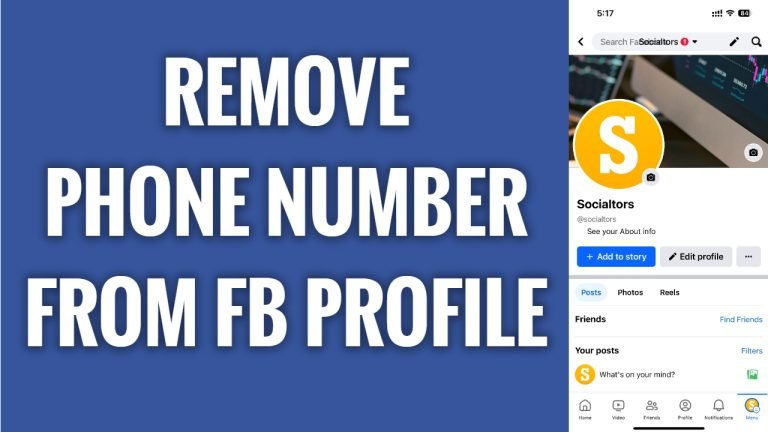
In this article I will show you how to remove phone number from your Facebook profile.
Don’t want phone number to be attached to your Facebook profile so that others couldn’t find your profile by searching your phone number? Luckily, you can easily remove your phone number from your Facebook profile.
Just follow these steps:
- Open up Facebook app and login to your Facebook profile.
- Tap on the menu icon at the bottom right corner.
- Proceed by tapping on the “Gear” icon at the top right.
- Tap on “See more in Accounts Center”.
- Now go to “Personal details”
- Tap on “Contact info” tab.
- Tap on your phone number.
- Select “Delete number” and this number will be removed from your Facebook profile. That’s it.
I hope this guide was helpful and you were able to remove phone number from your Facebook profile.
Want to grow your Facebook profile? Get more Facebook followers!
