Want to grow your YouTube channel? Get more YouTube subscribers!
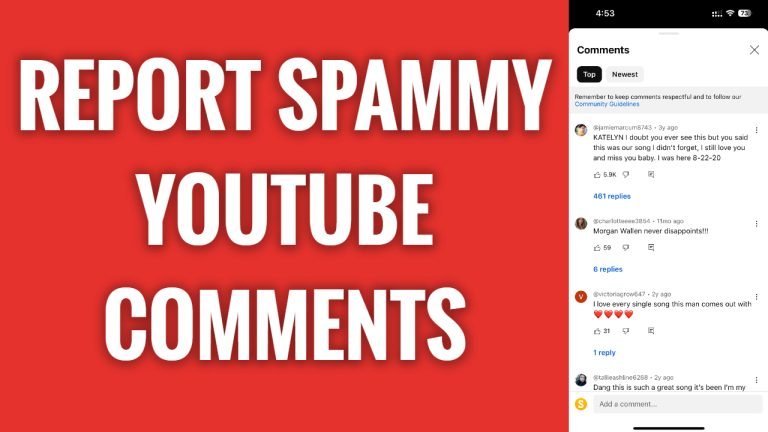
In this article I will show you how to report spammy YouTube comments.
Have you noticed that someone is spamming in YouTube comment section? Luckily, you can easily report such comments so they would reviewed by the YouTube staff and be taken down if they are spammy or breach other YouTube policies.
Just follow these steps:
- Open YouTube app and login to your YouTube profile.
- Now find the YouTube comment which you would like to report.
- Click on 3-dot icon next to the comment.
- Select “Report” from this menu.
- Select the reason why you are reporting this YouTube comment. I will just go with unwanted commercial content or spam. That’s it.
I hope this guide was helpful and you were able to report spammy YouTube comments.
Want to grow your YouTube channel? Get more YouTube subscribers!
