Want to grow your TikTok profile? Get more TikTok followers now!
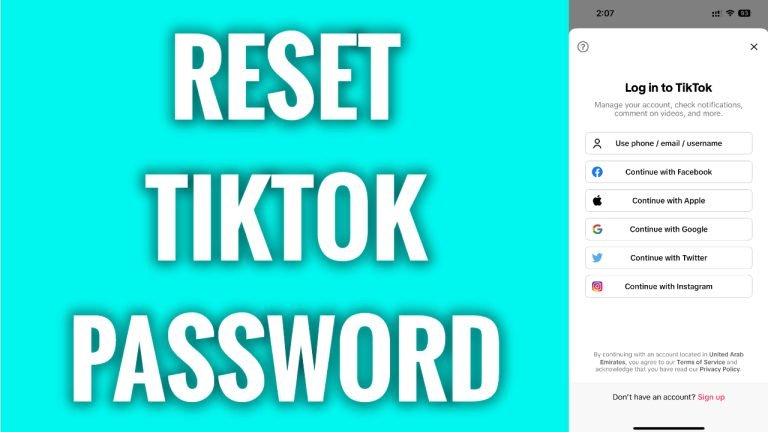
In this article I will show you how to reset TikTok password.
Did you forget your TikTok profile’s password? Don’t worry as you can easily reset your TikTok password.
Just follow these steps:
- Open up TikTok app.
- Tap on “Log in” at the bottom of this page.
- Tap on “Use phone, email or username”.
- Select “Email / username”.
- Enter your username.
- Now tap on “Forgot password”.
- Choose how you would like to reset your password – either via phone number or email. After this you will simply receive a confirmation code and you will be able to reset your TikTok password.
That’s how it’s done!
I hope this guide was helpful and you were able to reset TikTok password.
Want to grow your TikTok profile? Get more TikTok followers now!
