Want to grow your Instagram profile? Get more Instagram followers!
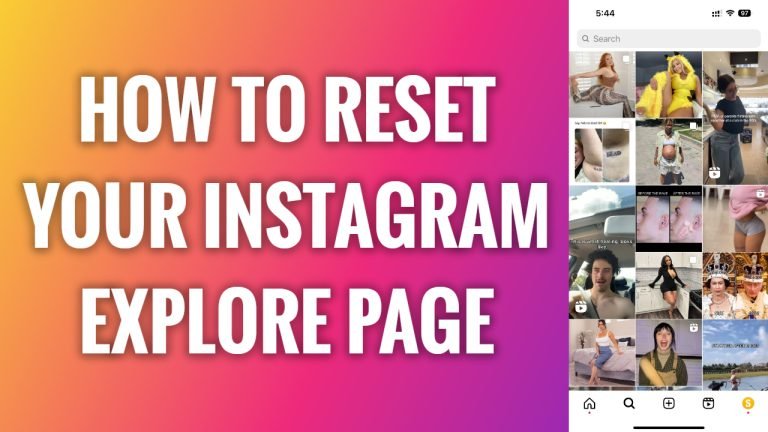
In this article I will show you how to reset your Instagram explore page.
Instagram’s explore page is individually customized for everyone. However, if you start seeing irrelevant content, it can be a good sign to completely reset your Instagram explore page.
Then Instagram will remove all of its collected data and will start showing content related to your newest searches and entries.
Just follow these steps:
- Open Instagram app and login to your Instagram profile.
- Now go to the explore page and click on “Search” icon at the bottom left corner.
- Now tap on the post which you don’t want to see on your feed anymore.
- Now tap on three-dot icon at the top right corner.
- Tap on “Not interested”. Done.
Now similar posts will not be appearing on your Instagram feed. Keep doing this with all other posts which you don’t want to see on your feed and in a while you will reset your feed.
I hope this guide was helpful and you were able to reset your Instagram explore page.
Want to grow your Instagram profile? Get more Instagram followers!
