Want to grow your Instagram profile? Get more Instagram followers!
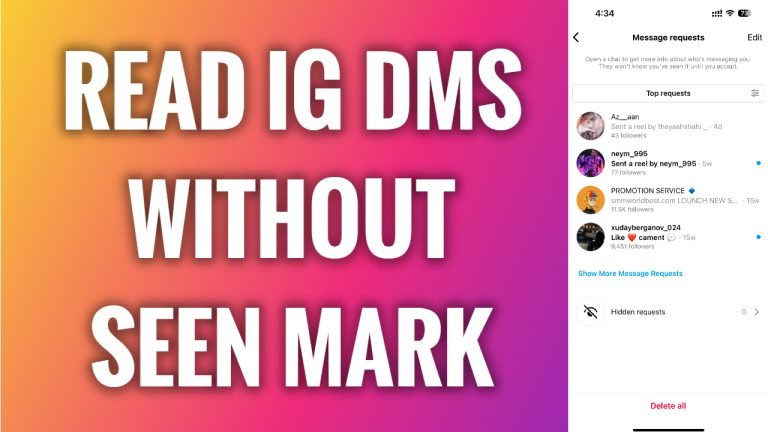
In this article I will show you how to read Instagram messages without seen mark.
Did you know that there is a simple trick that you can use to read Instagram DMs without other person knowing that you have read that message?
Just follow these steps:
- Open up Instagram app and login to your Instagram profile.
- Now go to your direct messages section.
- Before opening the message you want to read, turn off the internet connection and turn on the airplane or flight mode on your phone.
- Now proceed by opening the direct message.
- After reading the message, you need to log out of your Instagram profile. To do that, just click on your profile picture at the bottom right corner, click on menu icon at the top right corner and select “Settings & privacy”. Now scroll down and click on “Log out”. That’s it.
Now once you log in to your Instagram profile again with internet connection on, you should still see the notification of unread direct message and other person will not know that you have read his direct message.
I hope this guide was helpful and you were able to read Instagram messages without seen mark.
Want to grow your Instagram profile? Get more Instagram followers!
