Want to grow your Instagram profile? Get more Instagram followers & likes!
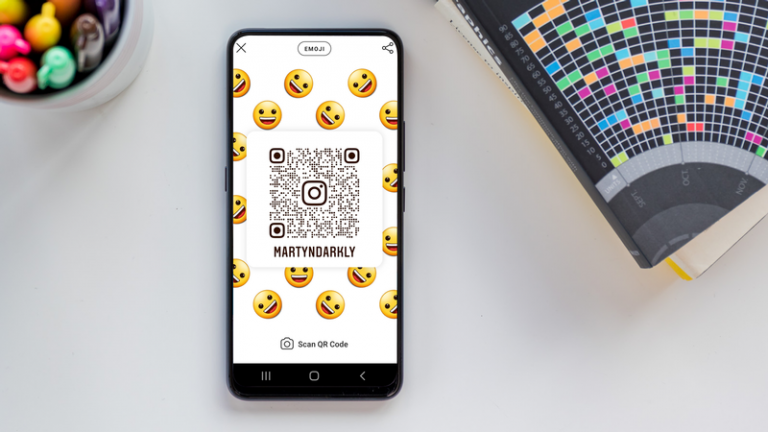
Want other people to find your Instagram profile more easily? You can easily do it by creating your own QR code so that other people could scan it and find your profile.
In this article I am going to show you how you can share your Instagram profile using a QR code.
Let’s get started!
How to share your Instagram profile using a QR code?
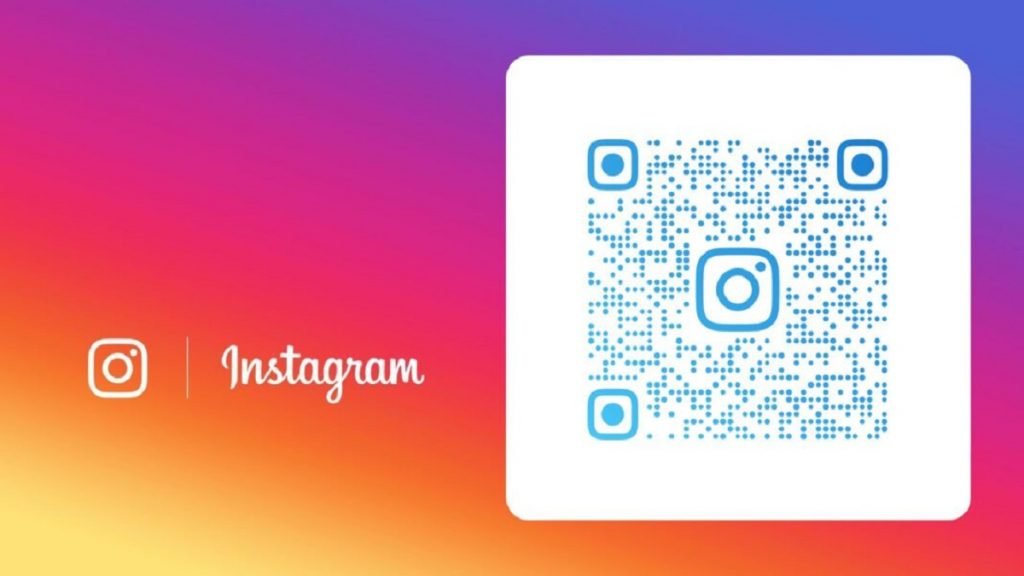
Simply follow these steps and you will learn how to do it:
- Open up Instagram app and login to your profile if you haven’t done so yet.
- Click on the menu icon in the top-right corner of the screen.
- Find the QR Code option and click on it.
- Your QR Code will appear on the screen.
- Now customize your QR code. You can choose from design options like Color, Emoji or Selfie.
- Once your QR Code design is ready, just share it by hitting the Share icon in the upper-right corner and select the app through which you would like to share your Instagram profile’s QR code.
That’s how it’s done!
Want to grow your Instagram profile? Get more Instagram followers & likes!
I hope this guide was helpful and you were able to share your Instagram profile using a QR code.
