Want to grow your Facebook profile? Get more Facebook followers!
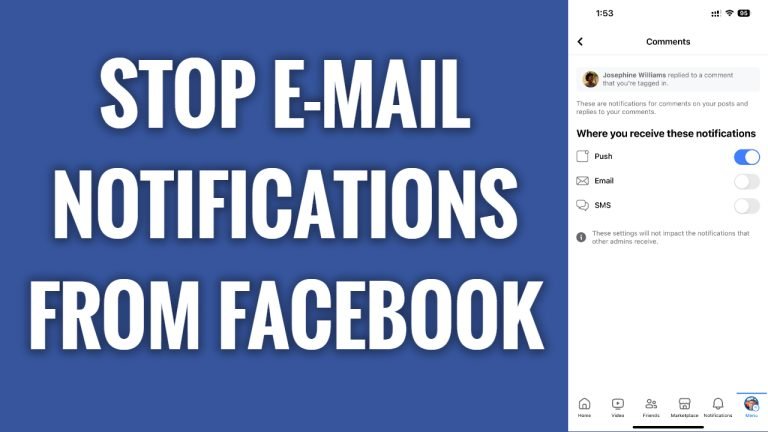
In this article I will show you how to stop receiving email notifications from Facebook.
Facebook sends email notifications about your new friend requests, new posts, likes or comments under your post.
If you don’t want to receive these e-mails you can easily disable them by editing your Facebook notification settings.
Just follow these steps:
- Open up Facebook app and login to your Facebook profile.
- Tap on the menu icon at the top right corner.
- Scroll down and tap on “Settings & privacy”.
- Now proceed to “Settings”.
- Go to “Notification settings”.
- Now here as you can see I have almost all of my e-mail notifications already disabled.
- Just open up any category, for example I will go with “Comments” and disable the switch next to “Email”. You will no longer receive these notifications to your e-mail.
- Just continue doing this will all other notification categories. That’s it.
I hope this guide was helpful and you were able to stop receiving email notifications from Facebook.
Want to grow your Facebook profile? Get more Facebook followers!
