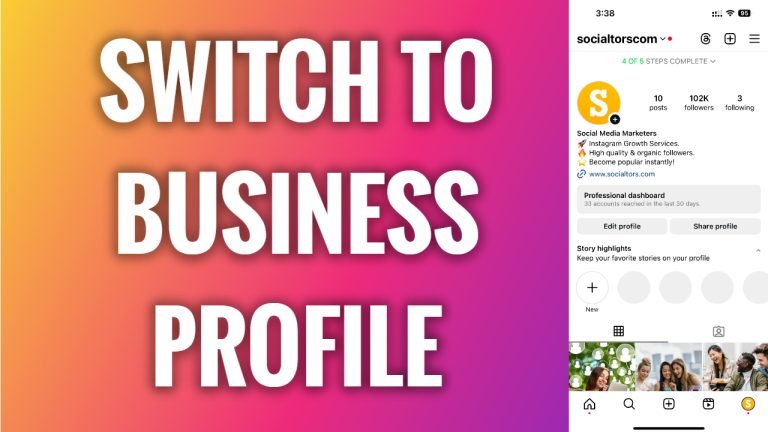
Want to grow your Instagram profile? Get more Instagram followers!
In this article I will show you how to switch from personal to business Instagram profile.
Are you currently running a personal Instagram profile but would like to switch to a business account? Business profiles have a variety of different tools and functionality, including insights of your post reach and engagement.
Follow these steps:
- Open Instagram app and login to your Instagram profile.
- Tap on the “Menu” icon at the top right corner of your screen.
- Select “Settings and privacy”.
- Scroll down and tap on “Account type and tools”.
- Select “Switch to professional account”.
- Tap on “Continue” till you are forwarded to the next page.
- Now select your profile’s category.
- Tap on “Done” at the bottom.
- Select “Business” and tap on “Next”.
- Enter your contact information and tap on “Next” or simply select “Don’t use my contact info”.
- Select “Skip” if you don’t want to connect your Instagram profile to Facebook.
- Now just tap on “X” icon at the top right corner.
That’s it! You have successfully switched to a business Instagram profile.
I hope this guide was helpful and you were able to switch from personal to business Instagram profile.
Want to grow your Instagram profile? Get more Instagram followers!
