Want to grow your Instagram profile? Get more Instagram followers!
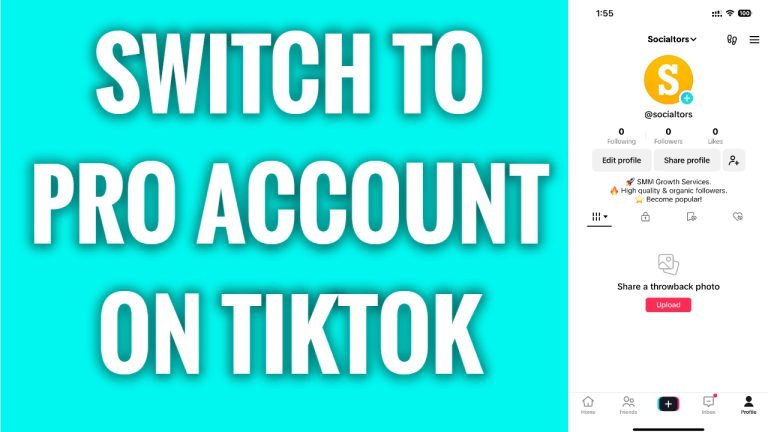
In this article I will show you how to switch to Pro Account on TikTok.
Would you like to have access to more features on TikTok so you could track your growth progress more precisely? You can easily do it by switching to business or pro account on TikTok.
Follow these steps:
- Open TikTok app and login to your TikTok profile.
- Tap on the “Menu” icon at the top right corner of your screen.
- Proceed to “Settings and privacy”.
- Now open up the “Account” section.
- Select “Switch to business account”.
- Tap on “Next” till you can choose a category for your account.
- Now choose a preferred account category.
- Tap on “Next”.
- Add an e-mail or skip this step.
That’s it! You have successfully switched to a pro or business account on TikTok.
I hope this guide was helpful and you were able to turn your TikTok account into Pro Account.
Want to grow your Instagram profile? Get more Instagram followers!
