Want to grow your Instagram profile? Get more Instagram followers!
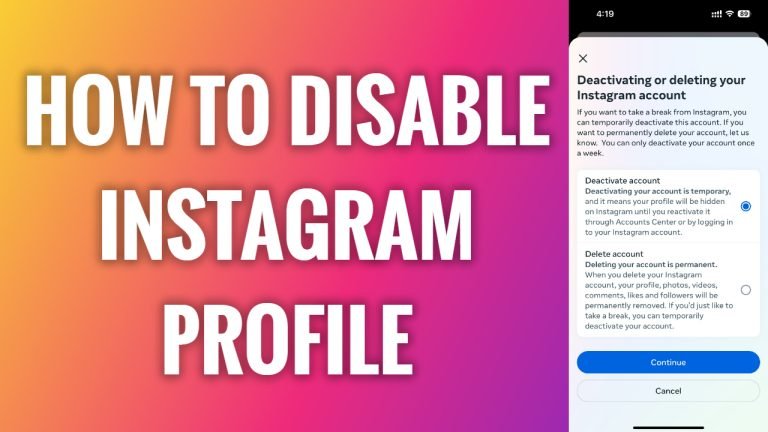
In this article I will show you how to temporarily disable your Instagram profile.
If you want to take a break from social media and Instagram, you have two options: either to completely delete your profile or temporarily disable it.
The best option is to simply temporarily disable it as you will be able to log in to your account in the future with all your content saved on it if you decide to come back later on.
Follow these steps:
- Open Instagram app on and login to your Instagram profile.
- Tap on the menu icon at the top right corner of your screen.
- Tap on “Settings and privacy”.
- Go to “Accounts center”.
- Now scroll down a little and tap on “Personal details”.
- Proceed to “Account ownership and control”.
- Tap on “Deactivation or deletion”.
- Select your profile.
- Now select “Deactivate account” and tap on “Continue” button. You will be asked to type in your password and after that your profile will be deactivated. That’s it.
I hope this guide was helpful and you were able to temporarily disable your Instagram profile.
Want to grow your Instagram profile? Get more Instagram followers!
