Want to grow your Instagram profile? Get more Instagram followers!
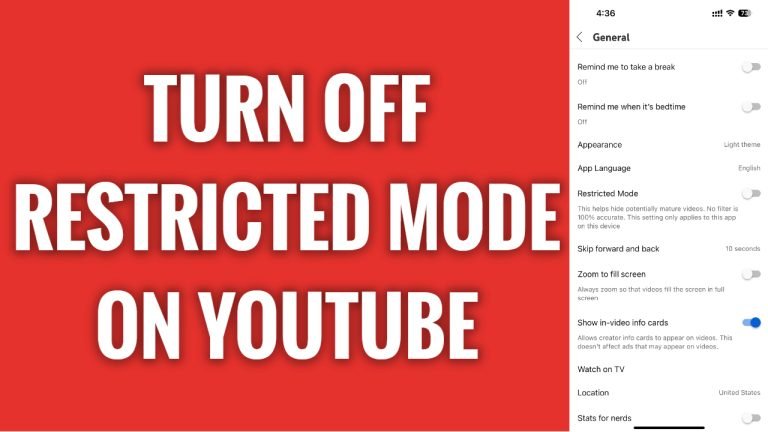
In this article I will show you how to turn off restricted mode on YouTube App.
Did you just want to view a YouTube video but you couldn’t do it because it is age restricted? Luckily, you can easily turn off restricted mode on your YouTube profile.
Follow these steps:
- Open up YouTube app and login to your YouTube profile.
- Tap on your profile picture at the bottom right corner.
- Now tap on the gear icon at the top right.
- Proceed to “General” section.
- Now switch the toggle off next to “Restricted mode” and you will turn off the restricted mode on your YouTube profile.
That’s how it’s done.
I hope this guide was helpful and you were able to turn off restricted mode on YouTube app.
Want to grow your Instagram profile? Get more Instagram followers!
