Want to grow your Instagram profile? Get more Instagram followers!
In this article I will show you how to use create mode on Instagram stories.
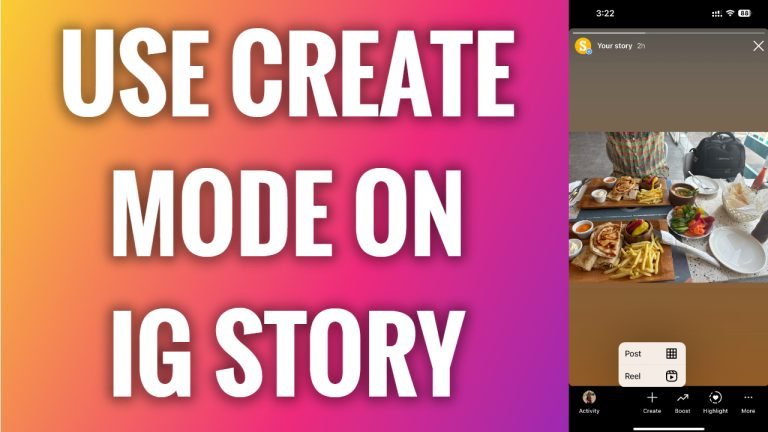
Instagram create mode helps you to repost your already published content, so it is a great feature if you want to make Reels video or a post from your already published story.
Follow these steps:
- Open Instagram app and login to your Instagram profile.
- Make sure that you have recently uploaded some stories on your profile and tap on your profile picture to access published stories.
- Now tap on “Create” at the bottom.
- Select whether you would like to create a Reels video or a post from this Instagram story. I will just go with “Post”.
- Now you will be able to edit it and publish it as a standard post.
That’s how it’s done!
I hope this guide was helpful and you were able to use Create mode on Instagram stories.
Want to grow your Instagram profile? Get more Instagram followers!
