Want to grow your Instagram profile? Get more Instagram followers!
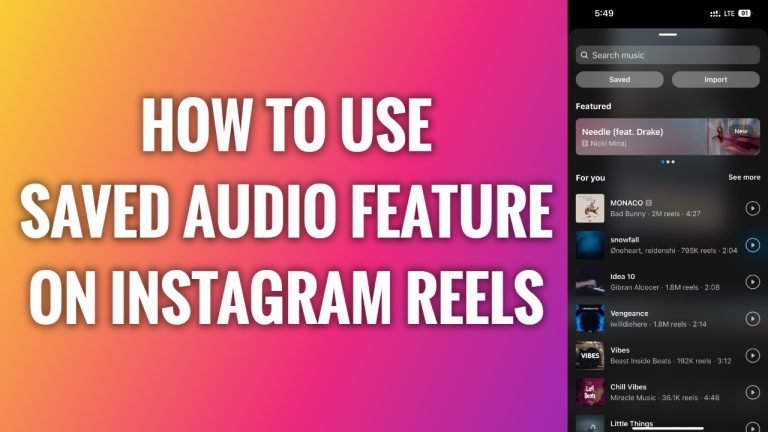
In this article I will show you how to use saved audio feature on Instagram Reels.
Did you know that you can save the audio from other people’s Reels videos and even use these sound or songs for your own videos?
Follow these steps:
- First of all, you will need to save audio or a song from someone’s Reels video so you could use it later on. So, log in to your Instagram account and tap on the “Reels” tab at the bottom of your screen.
- After that click on the audio icon in the bottom-right corner of this video.
- Press on the “Save” icon at the top right corner.
- Now go back to your profile page.
- Tap on the “Plus” icon at the top right corner.
- Select “Reel”.
- Select a video which you would like to upload to your Reels.
- Tap on “Next”.
- Click on “Next again”.
- Now tap on “Add audio” at the bottom of your screen.
- Tap on “Saved” section at the top left corner.
- Choose your saved audio which you would like to add to this video and tap on “Done”.
- Now just proceed by uploading this video as usual. Done!
I hope this guide was helpful and you were able to use saved audio feature on Instagram Reels.
Want to grow your Instagram profile? Get more Instagram followers!
