Want to grow your Instagram profile? Get more Instagram followers!
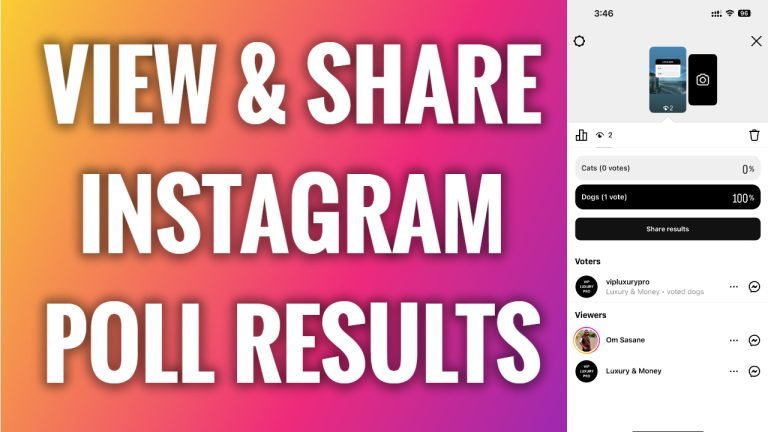
In this article I will show you how to view and share Instagram poll results.
Have you just shared an Instagram story with a poll? Would you like to share your poll results with your audience? You can easily do it.
Follow these steps:
- Open Instagram app and login to your Instagram profile.
- Now open up your Instagram story with a poll.
- Swipe up and you will be able to view more detailed information about your poll.
- If you want to share your poll results, simply tap on the “Share Results” button and publish it on your Instagram story.
That’s it for this video!
I hope this guide was helpful and you were able to view and share Instagram poll results.
Want to grow your Instagram profile? Get more Instagram followers!
